 Khana Khazanaa
Restaurant inventory software
Track your restaurant’s ingredients from supplier purchases to kitchen use. Khana Khazanaa lets you record receipts, set low-stock levels, link dishes to ingredient quantities, and log stock counts and waste.
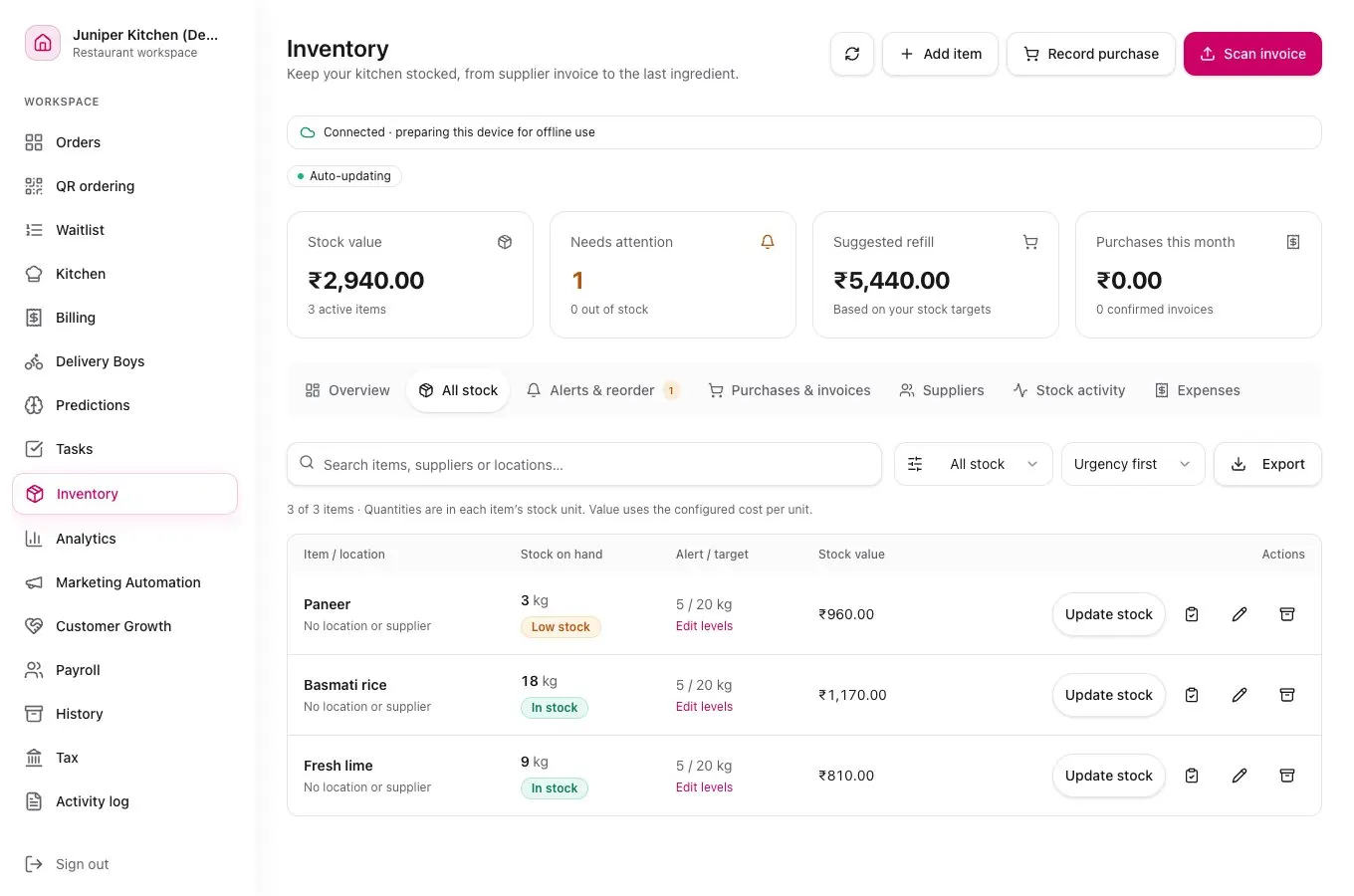
From supplier delivery to stock count
Set up ingredients and units
Choose a stock unit for each ingredient. If you buy rice in sacks and use it in grams, set a conversion and enter a low-stock level that suits your kitchen.
Review purchases and link recipes
Record what came in, check quantities and costs, and link dishes to the ingredients they use. Configured recipes can record stock usage through supported order flows.
Compare stock with what’s on the shelf
Count what you have, record waste or adjustments, and review low-stock items before your next supplier order.
One ingredient, one unit
- Supplier receipt
- +5.00 kg
- Recipe usage
- −0.60 kg
- Recorded waste
- −0.10 kg
- Expected stock
- 4.30 kg
This example starts with zero stock and uses 150 g of rice per portion for four portions.
Restaurant inventory questions
Can I add stock from a supplier invoice?
You can record purchases and review scanned invoice details before saving. Check the supplier, item, quantity and unit. Purchases add stock when the auto-add purchase setting is enabled and stock items are matched.
Can I estimate the ingredient cost of a dish?
Yes. Link each dish to its ingredients and quantities. Recipe cost estimates depend on the purchase costs and unit conversions you record.
How do low-stock alerts work?
Set a low-stock level for each ingredient you want to monitor. Review items flagged for attention and account for physical counts and waste before deciding what to reorder.