 Khana Khazanaa
Restaurant billing software
Khana Khazanaa brings orders, kitchen tickets and customer bills into one POS for Indian restaurants. Take dine-in and takeaway orders, print or reprint receipts, and record cash, card or UPI payments from the billing workspace.
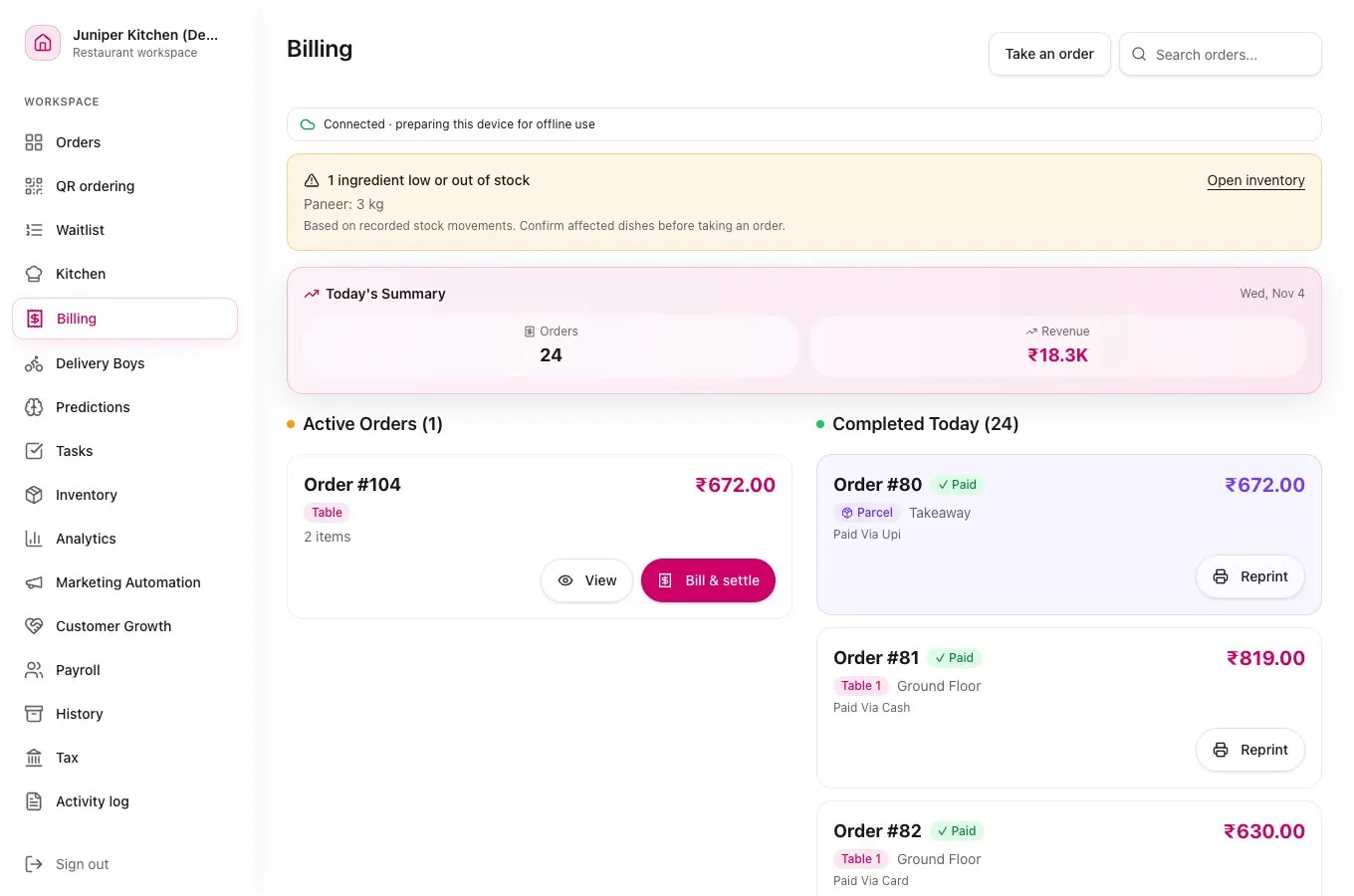
From the table to the receipt
Follow the same order from service to settlement.
Open an order
Choose a table for dine-in or start a parcel order. Add dishes, quantities and any special instructions.
Send it to the kitchen
Send a kitchen order ticket (KOT). Add another round if the table orders more.
Close the bill
Review the items and the outlet’s tax settings. Record the payment received and print a receipt. Credit bills can be recorded for later collection.
Table 07
- Paneer tikka × 1
- ₹240
- Jeera rice × 2
- ₹300
- Masala chaas × 2
- ₹120
- Subtotal
- ₹660
Illustrative subtotal before any applicable taxes.
Restaurant billing questions
Can I configure GST for my restaurant bills?
Yes. Your outlet’s configuration controls whether GST applies to new sales. Review the tax setup for your restaurant before you start billing.
How are UPI payments recorded?
With direct UPI, staff confirm receipt and record the payment. Automatic confirmation requires an activated Razorpay merchant connection with UPI QR access, where supported.
Can I reprint a restaurant bill?
Yes. Open the saved bill in Billing and print it again using a compatible printer connected to your device.
Can I keep billing if the internet goes down?
On a device prepared beforehand, you can print supported bills and record cash or credit. See what to set up for offline restaurant billing.